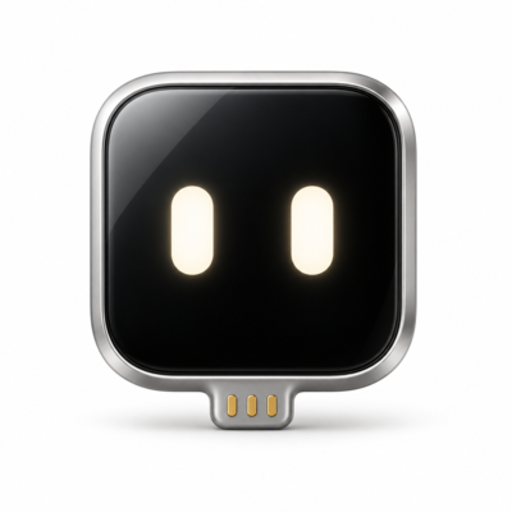
A one-time setup
Give your board
a pair of hands.
Install the firmware right here in your browser.
Then plug the board into your iPhone.
Your computer's job is done.
TestFlight is the public beta. Install the app through TestFlight first. The installer then uses the TestFlight board firmware.
Open the TestFlight inviteBoard firmware
XIAO ESP32S3
Chrome or Edge on a computer · USB data cable
▶ Watch the install videoBoard already installed and it says “Failed to connect”? Hold BOOT while plugging it in. How to fix ↗
Board compatibility Other ESP32-S3 boards should also work if they have:
- Native USB (USB-C straight to the chip)
- ≥ 8 MB flash
- ≥ 8 MB PSRAM
- ESP32-C3
- ESP32-C6
- ESP32-S2
- Original ESP32
- CH340 / CP2102 serial-chip boards
Your AI can help, too.
Then, over to your iPhone
Unplug. Plug in. Open Handsy AI.
The app will walk you through connecting the board and getting started.
Watch it once
Connect, pick the board, wait half a minute.
A little help, if you need it.
My board doesn't show up.
Use a USB cable that carries data, not a charging-only cable. Connect directly to the computer and close any apps using the board.
Still missing? Hold BOOT while plugging in the board, then release it and try connecting again.
It says “Failed to connect with the device”.
A board running Handsy firmware may not offer a serial port the installer can use. Unplug it, hold BOOT while plugging it back in, release, then click Connect board and pick the new port.
Step-by-step fix ↗Which board should I use?
This installer is for the Seeed Studio XIAO ESP32S3, the standard version with 8 MB flash and 8 MB PSRAM. Other ESP32-S3 boards with native USB, at least 8 MB flash and 8 MB PSRAM should work but aren't tested. Other chips, such as the ESP32-C3, aren't supported.
See the board ↗Can I do this on my iPhone?
Use Chrome or Edge on a computer for this installation. Once it's finished, the board works with your iPhone. You won't need the computer to run Handsy.
What happens to the firmware already on my board?
Installation replaces the board's current firmware. Back up anything you need before installing. It doesn't change anything on your computer or iPhone.
Still stuck? Get a hand.Installer built on esptool-js ↗